Ducking IPTV / Android & Fire TV
Android · Android TV · Fire TV

Ducking IPTV for Android and Fire TV, straight from our CDN.

The Android build of Ducking IPTV is a signed APK that runs on phones, tablets, Android TV boxes and Amazon Fire TV / Firestick. It is not on Google Play — IPTV players fall outside Play policy — so you install it directly and it quietly updates itself from there.

Free · Universal Apple app · Android APK · Fire TV & Firestick ready
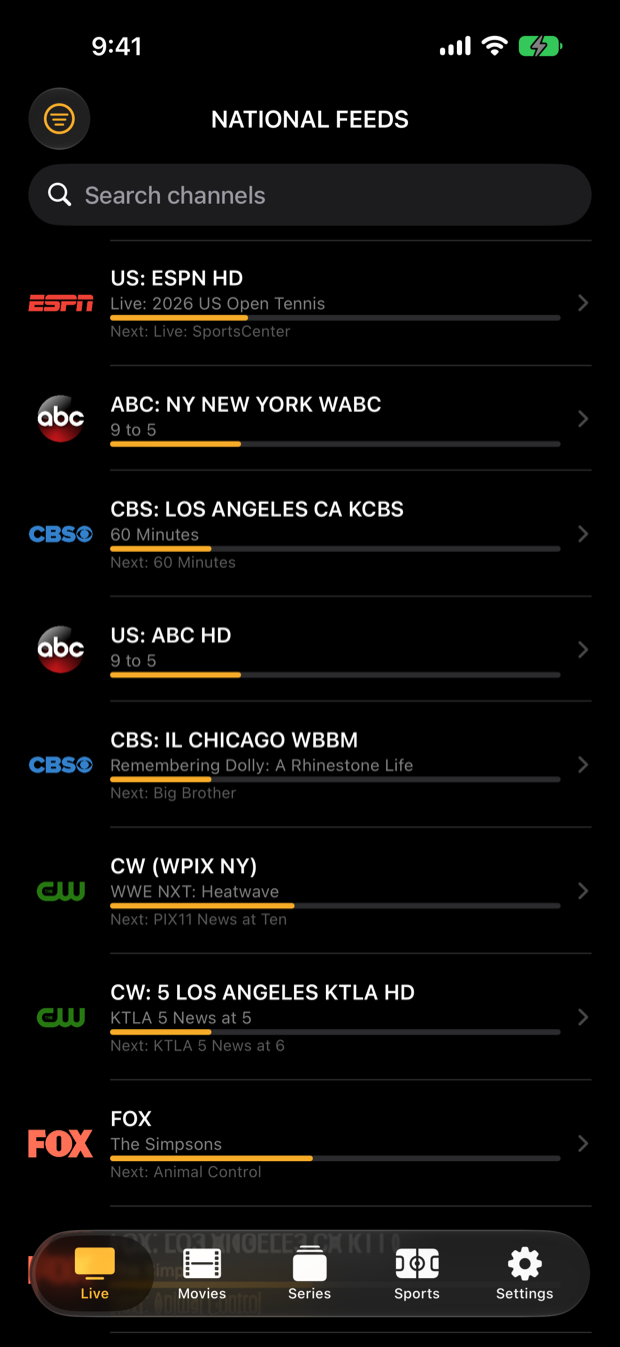
Ducking IPTV live channel list with now-playing program bars
Live & GuideChannels with now/next
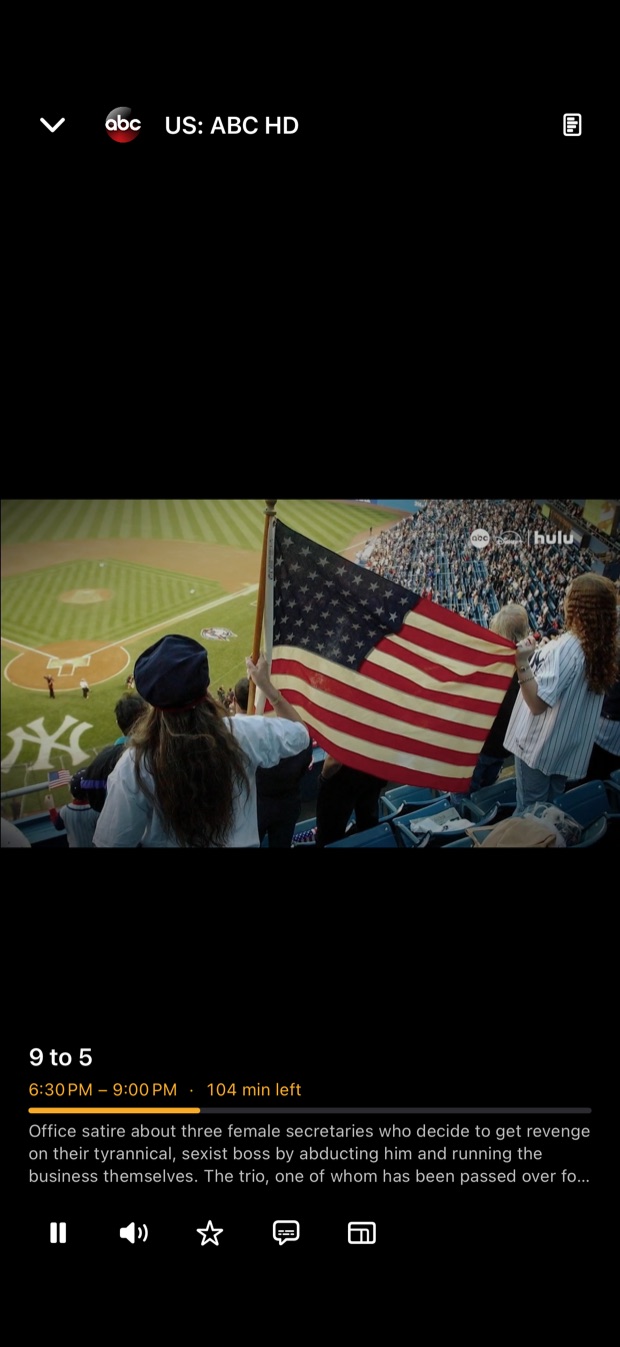
Ducking IPTV full screen live player
PlayerFull screen with controls
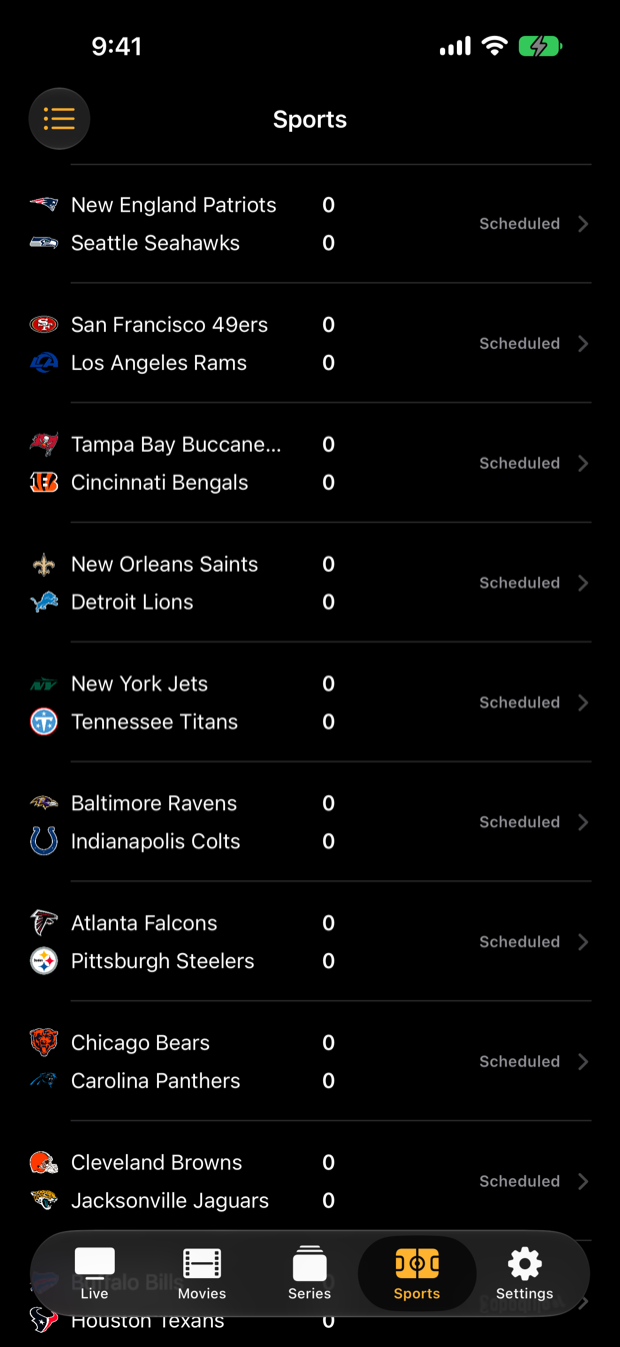
Ducking IPTV live NFL scores
SportsLive scores, box scores

Same player, every Android screen

Phones & tablets

The same channel list, guide, favorites and VOD player as the Apple version, laid out for touch.

Android TV

Runs on Android TV boxes and TVs with a remote-friendly layout — guide, multiview and full-screen zapping from the couch.

Fire TV & Firestick

Sideload the APK once and the app keeps itself up to date. Works on Fire TV Stick, Fire TV Cube and Fire TV edition TVs.

Self-updating

Because it comes from our CDN rather than a store, the app checks for new signed builds itself and updates in place.

Bring your own service

Sign in with any standards-compliant Xtream Codes login or an M3U playlist URL. Ducking IPTV includes no channels of its own.

DuckTrack sync

Favorites, recents and watch progress sync across your Android, Fire TV and Apple devices with a free DuckTrack account.

Install on Fire TV / Firestick

  1. Allow apps from unknown sourcesOn the Fire TV go to Settings → My Fire TV → Developer Options and allow installs from the browser or downloader app you will use. (Fire OS labels this Install unknown apps on newer devices.)
  2. Download the APKIn the Fire TV browser or the Downloader app, open cdn.iduck.xyz/duckmate/ducktv.apk. The file is signed; the current build is shown on the download card.
  3. Install and sign inOpen the downloaded file, tap Install, then launch Ducking IPTV and enter your provider's Xtream Codes details or M3U URL.

Install on an Android phone, tablet or Android TV

  1. Download ducktv.apkOpen the download link in your browser. On Android TV, use a browser or file manager that can open URLs.
  2. Allow the installAndroid asks for permission to install from that browser or file manager the first time. Allow it, then tap Install.
  3. Sign inEnter your Xtream Codes server, username and password, or your M3U playlist URL. Updates arrive automatically after that.
Good to know

Questions about Android & Fire TV.

Why isn't Ducking IPTV on the Google Play Store?
IPTV players fall outside Google Play's policies, so we distribute a signed APK directly from our own CDN instead. Download it, allow installs from your browser or file manager, and the app updates itself from there.
Is the APK safe? How do updates work?
The APK is signed by us and served from our own CDN. Once installed, the app checks for newer signed builds itself and updates in place — you do not need to sideload again.
Does it work on a Firestick?
Yes. Fire TV Stick, Fire TV Cube and Fire TV edition TVs all run the Android build. Follow the three sideload steps above.
Does the Android app include channels?
No. Ducking IPTV is only the player; it does not provide, host, sell or bundle any channels or services. You sign in with your own IPTV account.